Quick Start Guide
Get up and running with Twingate in minutes. Follow our step-by-step installation guide.
Our example of polished formatting using our markdown components
These are created with a single # and should be used for the main chunks of content.
These are created with a ## and should be used for the main chunks of content.
We support basic markdown components like
code| Attribute | Description | Platform Supported |
|---|---|---|
| Name | The “friendly name” of the device, set by the user. | Windows, macOS, iOS |
| Hostname | The DNS hostname that the device assigns to itself. Often based on the device name. | Windows, macOS, Linux |
| Make | The manufacturer of the device. | macOS, Linux, iOS |
We also support custom components like callouts, which offer 2 levels of severity
Here’s a look at a success callout
Here’s a look at a success callout
Use this sparingly for crucial information. For example, a crucial step in authoring these callouts is to include a blank line above and below the callout body in the markdown. Make sure there is no indentation at the beginning of a line too.
Here’s a look at a info callout
We also support code blocks with click to copy behavior.
user@linux:~$ /usr/bin/twingate-notifier console{ "requiresCompatibilities": ["FARGATE"], "containerDefinitions": [ { "name": "twingate-connector", "image": "twingate/connector:1", "memory": 2048, "cpu": 1024, "environment": [ { "name": "TWINGATE_NETWORK", "value": "<YOUR TWINGATE SUBDOMAIN>" }, { "name": "TWINGATE_ACCESS_TOKEN", "value": "eyJ0eXAiOiJEQVQiLCJh..." }, { "name": "TWINGATE_REFRESH_TOKEN", "value": "suoodqhy0niwjzpY_ki8..." } ] } ], "volumes": [], "networkMode": "awsvpc", "placementConstraints": [], "family": "twingate-connector-<NAME>", "memory": "2048", "cpu": "1024"}The image component should accept a caption prop and render a caption like the grey text below if one is submitted.

Are you writing a new integration article? If you think that there’s a new logo to add here, ping Charles or Zach on Slack.
We support tabbed sections for organizing related content. Here’s an example:
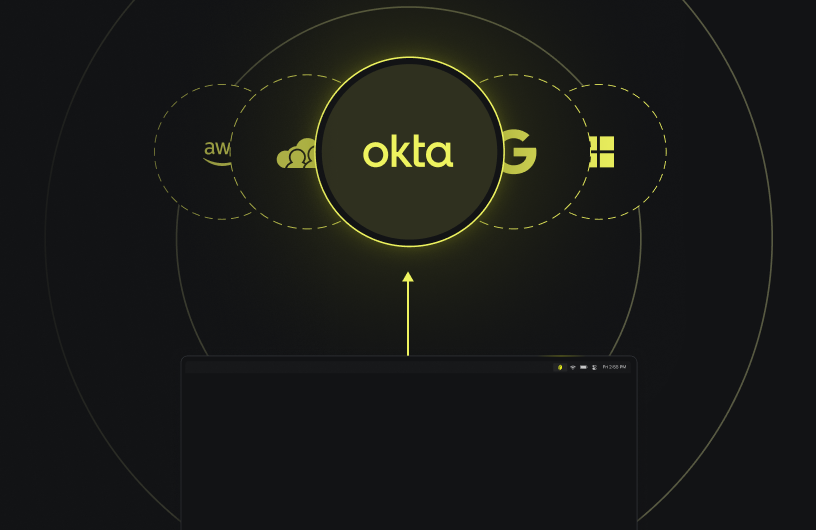
To provide styling enhancements, linkability, and prevent images from stretching, we use these headers in step by step guides…
Author content using these markdown components. Limit changes to within the /content folder
For our formatting, please see the following doc: https://www.notion.so/twingate/How-to-Contribute-to-Docs-21d8a9f223c14af9960c2c0bdc433a5c
This is standard body copy. Lorem ipsum dolor sit amet, consectetur adipiscing elit. Maecenas semper arcu ac odio blandit, et volutpat ex vulputate. Aenean luctus massa justo, in feugiat felis dapibus sit amet. Donec placerat urna eget enim cursus fermentum. Nullam venenatis feugiat metus a tincidunt. Praesent a volutpat enim. Nullam at nisi non elit fermentum dictum quis nec massa.
This is some italic text.
This is some bold text.
Smaller headings, like H5 and H6, are unsupported. Note that these headings will render at the same size as body text.
Last updated 17 days ago